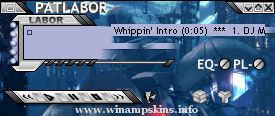
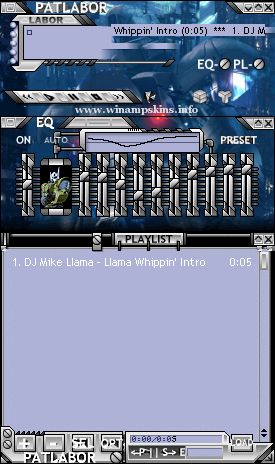
PATLABOR Player WinAMP Skin 1. INSTALL Just move this ZIP file into the SKIN subdirectory of WINAMP's installed folder. 2. Run WinAmp and press ALT, S 3. Select
PATLABOR Player WinAMP Skin
1. INSTALL Just move this ZIP file into
the SKIN subdirectory of WINAMP's installed folder.
2. Run WinAmp and press ALT, S
3. Select PATLABOR PLAYER from the list
Version: 1.00 (only version)
Author: Captain Slug
E-mail: info-is@in-file
URL: http://simflight.com/cs/skins.html
Amburners Phoenix 2: Garet Jax
Updated for Aesthetics
----------------------------------------------------------------------------
This skin is made for my very good friend Ampburner...Hope you like it m8.
--------------------------------------------- ...