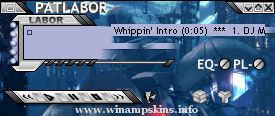
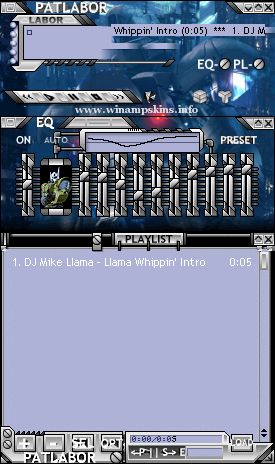
PATLABOR Player WinAMP Skin 1. INSTALL Just move this ZIP file into the SKIN subdirectory of WINAMP's installed folder. 2. Run WinAmp and press ALT, S 3. Select
PATLABOR Player WinAMP Skin
1. INSTALL Just move this ZIP file into
the SKIN subdirectory of WINAMP's installed folder.
2. Run WinAmp and press ALT, S
3. Select PATLABOR PLAYER from the list
Version: 1.00 (only version)
Author: Captain Slug
E-mail: info-is@in-file
URL: http://simflight.com/cs/skins.html
You know those assignments you
used to get in Elementary
school with the purple ink?
It’s kinda like that.
First skin, made with MS Paint.
December 2005
Bandit ...