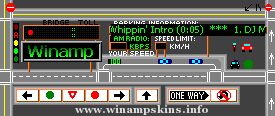
WinAmp Adding a new skin: 1. Download the wsz file of the skin into the Skins directory within the WinAmp directory.2. Right mouse click on the top bar of the Wi
WinAmp
Adding a new skin:
1. Download the wsz file of the skin into the Skins directory within the WinAmp directory.
2. Right mouse click on the top bar of the WinAmp player to get the options menu.
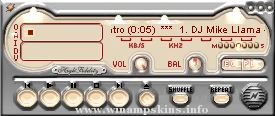
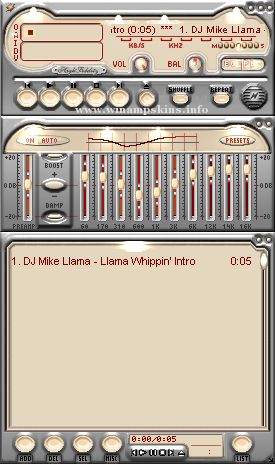
3. Select Skins to see a list of all skins you have. Choose Royale from the list.
Enjoy !! hope u like this skin.
It took me hard to make as i made without any skin authoring software!
Its a shareware but do not alter/copy the skin in any part half/whole
Skin and cursors, designed concept and developed by Abbas.
info-is@in-file
Am very much thank ful to my pal mahesh for cooperation in making this Skin.
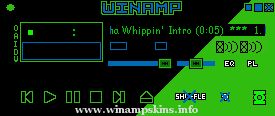
"Relena Peacecraft" version 1.0
~SeaGraph' Design production - by DanyBoom~
mail: info-is@in-file
webpage: http://seagraph.free.fr/
Skin for WinAmp 2.24
(and higher)
You can give this skin freely,
but don't modify it without the autor's ...