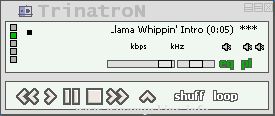
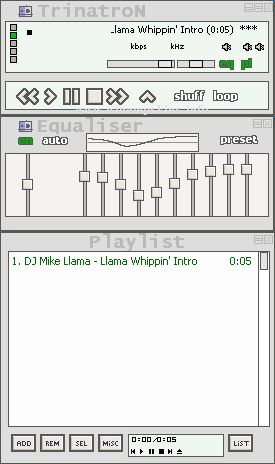
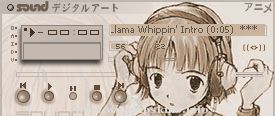
;Normal = Color of the text (not selected);Current = Color of the selected text;NormalBG = Color of the background (not selected);MainBG = Color of the backgroun
;Normal = Color of the text (not selected)
;Current = Color of the selected text
;NormalBG = Color of the background (not selected)
;MainBG = Color of the background of the main Window
;SelectedBG = Color of the selected background
;Format of the colors: #RRGGBB
[Text]
Normal=#C0C0C0
Current=#00FF00
NormalBG=#001842
MainBG=#001842
SelectedBG=#0000C0
Font=Arial
************************************************
º° °ºº° °º*** CORONAmp ***º° °ºº° °º
********************** by **********************
||| 2FAST4U |||
*****************
---------------------------------------------------------------------------------
Release Notes
---------------------------------------------------------------------------------
WINAMP > skin made
21/11/2002
---------------------------------------------------------------------------------
info-is@in-file
---------------------------------------------------------------------------------
CeleR0n v.1
=========
Joe Flores
=========
Well, after over a year without skinning Wa2 (i was interested in Wa3 until it pissed me off cuz its slow) I made CeleR0n.
I skinned everything for Wa2.9x and I did the cursors too! All of my previous skins ...