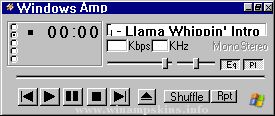
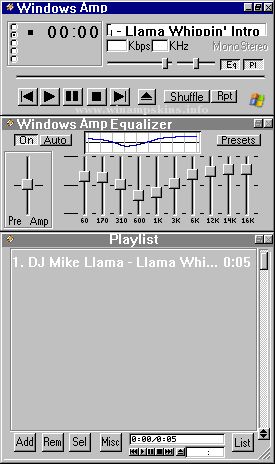
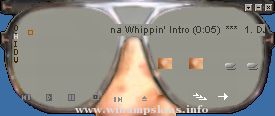
+--------------------------------------------+
| Advance Audio skin v1.3 for WinAmp v2.0 |
| Bob Zormeir 12/8/98 info-is@in-file |
+--------------------------------------------+
This is a skin for WinAmp v2.0+ of WinAmp. Everything but
new the playlist and equalizer skins should be compatible
with earlier versions. I welcome questions, comments and
suggestions.
- Bob
Installation: v2.0
------------
1. Copy or move Advance.zip to the WinAmp Skins directory.
2. Unzip the file to generate the 'Advanced' directory and
necessary files for the 'Advanced Audio Player' skin.
3. Launch WinAmp, and type Alt-S for the Skin Browser.
4. Double-click on 'Advanced.'
Installation: v2.4
------------
1. Copy or move Advance.zip to the WinAmp Skins directory.
2. Launch WinAmp, and type Alt-S for the Skin Browser.
3. Double-click on 'Advanced.'
AriX Ilimitado ®
Autor: Leandro Cortese
Fecha: 23/10/03
Lugar: Castelar, Bs. As. Argentina
Programas utilizados: Macromedia Fireworks MX y Corel Photo-Paint 8.0
Contacto: info-is@in-file ICQ: 107923557
Hola! espero que les guste el skin, ...
Ari-Tec Redux (March 2006)
by info-is@in-file
Needed something to go with my Windowblinds.
Done with Paint shop Pro 8. Tested on 5.04.
Thanks to atomicross for allowing me to give Ari-Tec an overhaul. ...
_________________/
| AMP BOY 2.0 |
/-----------------
By Ahmed Arebi
7, 18, 1999
This is my first winamp skin with transparency, it transform the winamp
To a game boy!
This winamp skin also includes Play list and Equalizer.
...