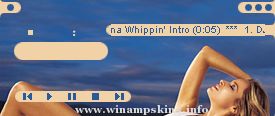
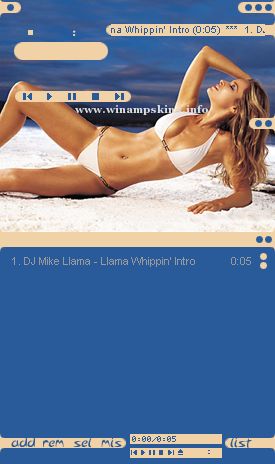
RUBENCHROME version 1 - September 12, 2000 skin for WinAmp v2.x Installation: ------------1. Copy or move savana.zip to the WinAmp Skins directory. 2. Launch
RUBENCHROME
version 1 - September 12, 2000
skin for WinAmp v2.x
Installation:
------------
1. Copy or move savana.zip to the WinAmp Skins directory.
2. Launch WinAmp, and type Alt-S for the Skin Browser.
3. Double-click on 'savana.'
Rikku_FFX-2 (2003)
Hi, thanks for downloading this skin. I'm not really that creative or anything, so it took me quite a while to finish this skin. Coupled with bouts of laziness...well, you get the picture. :) Anyway, i really hope u enjoy this skin. ...
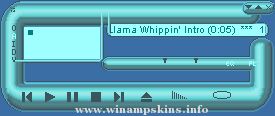
LK FLURO V3
Created by Speakrboxx
For the best results with the Spectrum Analyser in the Visualisation, Set it to 'Fire' and 'Thin Bar' mode.
Do what you like with this skin!
minibrowser
...