oOoOoOoOoOoOoOoOoOoOo
Pokémon - skin for Winamp 2.x
oOoOoOoOoOoOoOoOoOoOo
Version 1.0
Installation
------------
Extract the zip file into your WinampSkins directory, usually located in Program Files.
Enter Options/Skin Browser or press Alt+S and select pokémon.
Comments
--------
If you like this skin or if you have any comments please mail me.
Made by
-------
Lorenzo Marchi
(info-is@in-file)
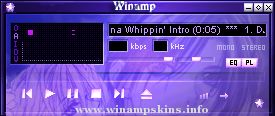
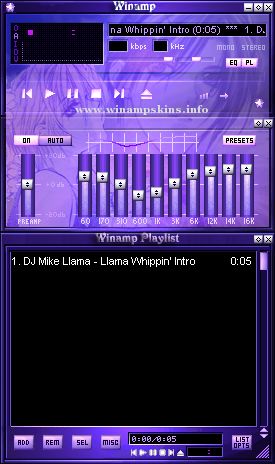
PurpleMint POW
Created by Mrs Bladez (July-August 2001)
Email: info-is@in-file
Thank you for downloading this skin. Fully skinned including: MB, MBinner, AVS, Custom Cursors and a MikroAMP Skin. Please do not *rip* this or any skin (display and ...
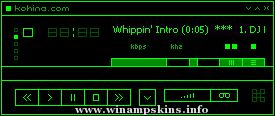
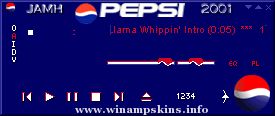
Nombre: PEPSI
Autor : JAMH
Versión : 1.0
Fecha : 11 de Abril de 2001
-----------------------------------------------------------------------------------
Gracias por bajar y probar esta piel. Es mi primera piel hecha para WinAMP. Espero que ...