-----------------------------------------------------------------------
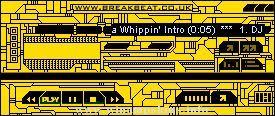
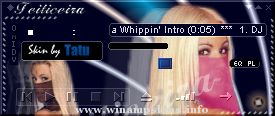
BROWN-AMP v1.2 by Barta
-----------------------------------------------------------------------
Part of the COLOR-AMP collection : WinAmp in 10 flavours.
Playlist's font is Orbit ...
"bloo plastik"
Began: October 6, 2002
Completed: October 6, 2002
I started designing this skin a couple of weeks ago. I decided to start it today (began date), and I finished it today as well.. It was an easy skin to make.. I am very proud of w ...
...::::: Welcome To The World Of Miranda ::::::...
Hi everyone this is my fifth skin for nullsoft winamp.
I like to say thank's to Nullsoft corporation for the most useful software in the World for music, and
the best visualization software A.V.S. ...