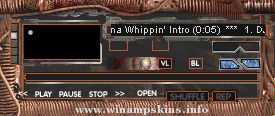
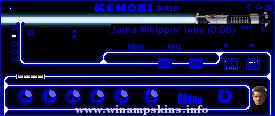
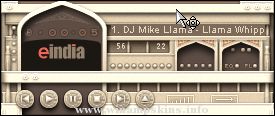
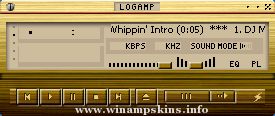
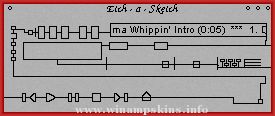
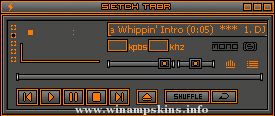
Mechanikill v1.0
By: Dave "Bloodfire" Hudson
November 19, 2003
Progams Used:
Corel Photopaint 11 - Skin Artwork
Microangelo - Cursors
Other Skins:
Teal Steel
Bfire_100
Bfire_100i
Notes:
The first skin I've done in quite some time. Infact over 3 years since I released my last skin. Not sure where I was going when I started this skin, but I like where it ended up. i hope you like it too. Thanks.
Installation:
Place mechanikill.wsz file into winamp skins directory, usually c:program filesskins.
Open mechanikill.wsz file with winzip, (www.winzip.com, right-click file-> open with winzip), locate mechanikill_01.avs and green_neb.bmp and extract to winamp avs directory, usually c:program fileswinamppluginsavs. Read instructions for activating visualizations to launch mechanical_01.avs.
Legal Stuff:
All artwork is mine and should be treated as such. If you like my work or would like permisison to use it, please email me and let me know..(info-is@in-file)
"bloo plastik"
Began: October 6, 2002
Completed: October 6, 2002
I started designing this skin a couple of weeks ago. I decided to start it today (began date), and I finished it today as well.. It was an easy skin to make.. I am very proud of w ...
Smooth LCD
8.22.2001
This is only my second Winamp skin so far. Although it is completely usable at the moment, I will continue to improve upon it by doing the following:
- Skinning the AVS and Minibrowser
- Including a custom AVS preset (possibly ...
This is an alternate frontend for nullsoft's winamp.
(visit http://www.nullsoft.com and http://www.winamp.com for more info).
Unzip all files to the /winamp/skins/ directory. Then choose Options,
Select skin from the pulldown menu.
--------------- ...