Coppied from winamp/wa_dlg.h from the Winamp 2.9 ML SDK.
1) gen.bmp has a generic window frame for plugins to use.
its format is similar to the minibrowser's.
In addition gen.bmp includes a font for the titlebar, in both
highlight and no-highlight modes. The font is variable width,
and it uses the first color before the letter A as the delimiter.
The no-highlight form of letter must be the same width as the
highlight form.
2) genex.bmp has button and scrollbar images, as well as some individual
pixels that describe the colors for the dialog. The button and
scrollbar images should be self explanatory (note that the buttons
have 4 pixel sized edges that are not stretched, and the center is
stretched), and the scrollbars do something similar.
The colors start at (48,0) and run every other pixel. The meaning
of each pixel is:
x=48: item background (background to edits, listviews etc)
x=50: item foreground (text color of edit/listview, etc)
x=52: window background (used to set the bg color for the dialog)
x=54: button text color
x=56: window text color
x=58: color of dividers and sunken borders
x=60: selection color for listviews/playlists/etc
x=62: listview header background color
x=64: listview header text color
x=66: listview header frame top color
x=68: listview header frame middle color
x=70: listview header frame bottom color
x=72: listview header empty color
x=74: scrollbar foreground color
x=76: scrollbar background color
x=78: inverse scrollbar foreground color
x=80: inverse scrollbar background color
x=82: scrollbar dead area color
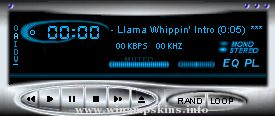
## WINAMP SKIN ##
Skin Name: Serina's Locket
Release Version: v1.2
Description: This is a Winamp skin dedicated to that pretty soldier,
Sailor Moon. It comes with fully skinned EQ, Playlist,
Playlist buttons, Minibrow ...
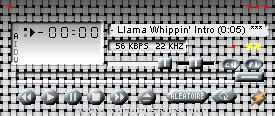
MacOS8Amp v1.1 (normal) - 06-17-2000 by Gertjan van der Veldt
The ultimate MacOS8 based Winamp skin.
Version v1.1 - 06-17-2000
- Some minor fixes.
Enjoy my second WinAmp skin. (AmOS35Amp was my first).
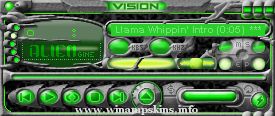
GVision.
info-is@in-file ...
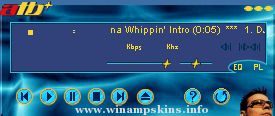
_,.-*'^'*-.,_,.-*'| I C E D B L U E |'*-.,_,.-*'^'*-.,_
version 1.0
=========================================
*Main Info*
Title : Iced Blue
Author : Stijn Oomen
NickName : The Only Lynx
Email Address : info-is@in-file
Homepage : http ...
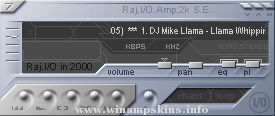
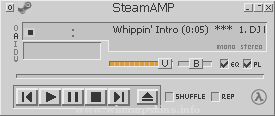
SteamAmp v2.0.
I made this cause I like the way the program STEAM looks.
I thought it might be fun to have it as a Winamp skin. Voila.
**UPDATES**
-Fixed Playlist exploit
-Fixed button exploits
-Fixed Video window where the fileinfo ran off ...
Old Mac-OS
19.03.2004
:likon.com.ar
web+design+experimental
-----...---..--+.-.-..-.------.........:.............
Skin no toxico. Inspirado en el viejo sistema operativo Mac Os. Mantener alejado del alcance de los niños. Accesorios se venden ...