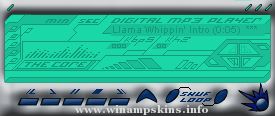
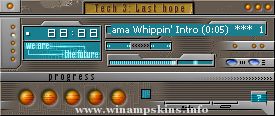
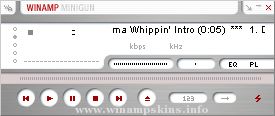
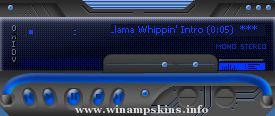
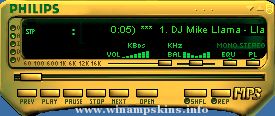
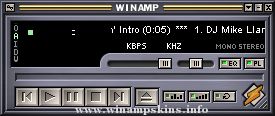
Thanks for downloading Muscle Nut's WinAmp Skin...
to install this skin just unzip all of the files in your WinAmp
directory... using the old folder option in winzip or -d command
for pkunzip ... it should create a folder called "musclenut"
once all of the files are extracted... click the option button
on winamp's main pannel and choose skins then click musclenut ...
there you have it !!! have fun !!!
this skin is the first one that I have ever tried to make...
hope you like it...
Champ
http://www.users.inet4u.com/champ/home/home.htm
1-13-2000
The Art Of Flying v.02
copyright 2001 by C. Pitts
Hello:
If you are reading this then you took apart my skin. SHAME ON YOU! : )
Anyways, a lot of work went into this, so don't mess with it or rip it off or anything. Beyond that, have fun an ...
=[Rei Ayamami Skin for Winamp 2.0+]=
------------------------------------
=[W.h.a.t.'.s. .T.h.i.s]======================
You all probably already know what this is,
otherwise you wouldn't have downloaded it.
But for you who don't know, this is a ...
:: Katatonia Viva Emptiness III WinAmp skin | commited - Dec 17 2003 | perpetrator known as Nasgaroth | contact - info-is@in-file | more evidences - www.grief.art.pl | skin compatiblity up to 2.91 version confirmed | quotation attached - "when you have n ...
BAnAnA-m0nk3y
-=-=-=-=-=-=-=-=-=-=-=-=-=-=-=-=-=-=-=-=-=-=-=-=-
Official Skin By
BAnAnA-m0nk3y
-=-=-=-=-=-=-=-=-=-=-=-=-=-=-=-=-=-=-=-=-=-=-=-=-
BAnAnA Here,
You Like My skin?
I Put A Lot Of Effort Into It...
Please Do Not Steal My Flippin Skin!
...
minibrowser
Earthbound -- The Winamp Skin!!
This skin stinks.
-----------------------------------------
Thanks to Starmen.net for a bunch of screenshots. Curious about the cursors? They're all made from scratch, based on real weapon ...
[MARON]
AnalyzerMode=1
BlendMethod=0
Ratio=100
Peaks=1
Rain=1
Enable=1
Bands=0
It's Gravitation created by Miriya on the 13th December 2001. This skin uses plugin's if you don't have them you download them in this easy option of downloading this ...
----Krzysztof Kieslowski - BLUE ----
-skin by StillWater- version 1.4
All of my skins, in the most current version, are here: http://www.1001winampskins.com/member_profile.html?author_id=13265
For my MikroAmp skin ...