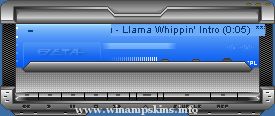
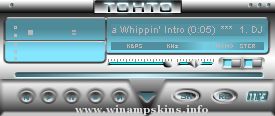
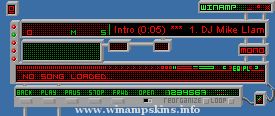
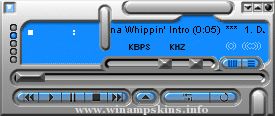
Technics ST1976 - A WinAmp "Skin" Interface.
======================================
version 2
Version notes:
New avs window
Designer's notes:
The interface is based on my personal Technics stereo with backlit panels.
Display notes:
The only display to be used is a a hi-color (16-bit) or even better, a smooth true-color (24- or 32-bit) display. As it is originaly made in 24-bit.
Thanks goes out to:
Technics, for their excellent equipment.
Enjoy!
/Henrik Mjöberg, info-is@in-file
[ No Title ] : Winamp Skin (french style: Sans Titre)
Author: Imdillus
v 1.0 : variation from my web site.
v 1.1 : added AVS and updated some EQ buttons.
v 1.2 : added MiniBrowser.
v 1.3 : modified titles look.
234,200,64 // 1 jaune
234,195,60 // 2 ...
"bloo plastik"
Began: October 6, 2002
Completed: October 6, 2002
I started designing this skin a couple of weeks ago. I decided to start it today (began date), and I finished it today as well.. It was an easy skin to make.. I am very proud of w ...
KAMIKAZE/ATTACKER
Thanks for downloading my skin. This is my second skin, I hope you like it. All graphics are made by myself except for the clouds :p This is supposed to be some kind of framework from a assault cannon against attacking kamikaze zeppel ...
Glowing-Advertise V.1
Classic Skin
By
El*ArGeNtO
( http://el-argento.deviantart.com )
This skin was inspired on the glowing advertises that are seen on Argentine Subways...nothing special about it XD I just like the way some lightning points ca ...