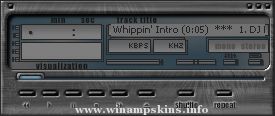
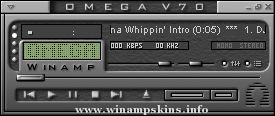
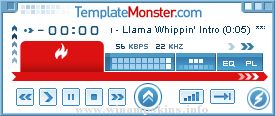
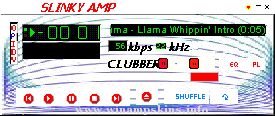
Imperial Assault v1.0 January 28, 2000
By Stephen Leck
This is my first WinAMP skin, so I hope you like it. I plan on making a few more skins in the future, though I
don't always have the time for it. If you have any questions, comments (i.e. how you liked/disliked this skin),
or general ideas about this skin or skin making, please feel free to contact me by e-mail at info-is@in-file.
Resources for this Skin: Star Wars: Behind the Magic
Star Wars: Yoda Stories Icons
Fonts Used: Aurubesh
Square721 BdEx BT
Arial
Art Programs Used: Paint Shop Pro 6
Adobe Photoshop 5.5
Other Programs Used: EasySkin (for small text and viscolor only)
Winamp TransTrace (tranparency)
-=[Liquid Paradise]=-
By Stephan Hoekstra AKA Ampburner
(info-is@in-file)
My latest and prolly final winamp 2.x skin.
I'm gonna keep my big mouth shut, and let
you enjoy it!
TO ALL SKINNERS!
Here's the deal: if you like my skin and
would l ...
Amburners Phoenix: Garet Jax
My Newest Skin! ()
----------------------------------------------------------------------------
This skin is made for my very good friend Ampburner...Hope you like it m8.
--------------------------------------------------- ...
================
Skin Information
================
Name: The Greyest of Blue Skies
Version: 1.3
Description: Based on Finger Eleven's album cover for The Greyest of Blue Skies.
Completed: August 5th, 2001 (Updated the Readme.txt f ...
MountainDew v1.2
for Winamp 2x
Created By : DrewskiZ
Contact : info-is@in-file
Date : January 23, 2000
Updated : January 30, 2000
Last updated : October 10, 2000
I have seen many softdrink skins but none for Mountain Dew. While
making this on ...