**************************
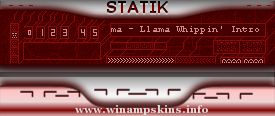
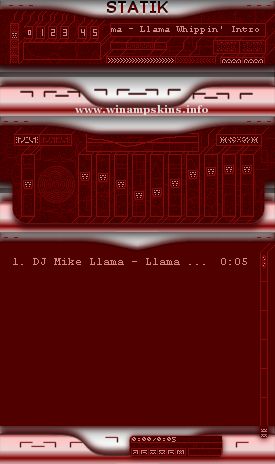
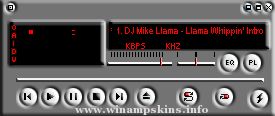
theRedDragon.wsz
by L.Larsson 08/21/04
*************************
Updated theRedDragon Skin by 337,
works with WinAmp 2 & up.
All windows Skinned
A New & different Look!
Updated Equalizer & VidAMP
All NEW LOOK! w/Updated analyzer.
LL
Installation: v2.7 & above
------------
1. Copy/paste theRedDragon.wsz to the WinAmp
Skins directory.
2. Launch WinAmp, and type Alt-S for the
Skin Browser.
3. Double-click on the 'theRedDragon.wsz'..
or just click on file to Auto lauch.
-*** Silence ***-
-October, 2000
-- Skin was born in Adobe Photoshop 5.5
-- Cursors were born in Axialis Ax-Cursors 4.5
-- I finally finished what used to be 'Em142' but
later became my favorite skin, so I renamed it after
myself: 'The S ...
Thorpey II v1.5 [30:05:03]
~~~~~~~~~~~~~~~~~~~~~~~~~~~~~~~~~~~
www.llamachild.tk
info-is@in-file
~~~~~~~~~~~~~~~~~~~~~~~~~~~~~~~~~~~
you may distribute this skin as long as it is not altered in any way [including this .txt file], and that correct ...